Built-in agent · Timeline editing
AI highlight cuts, right on your timeline.
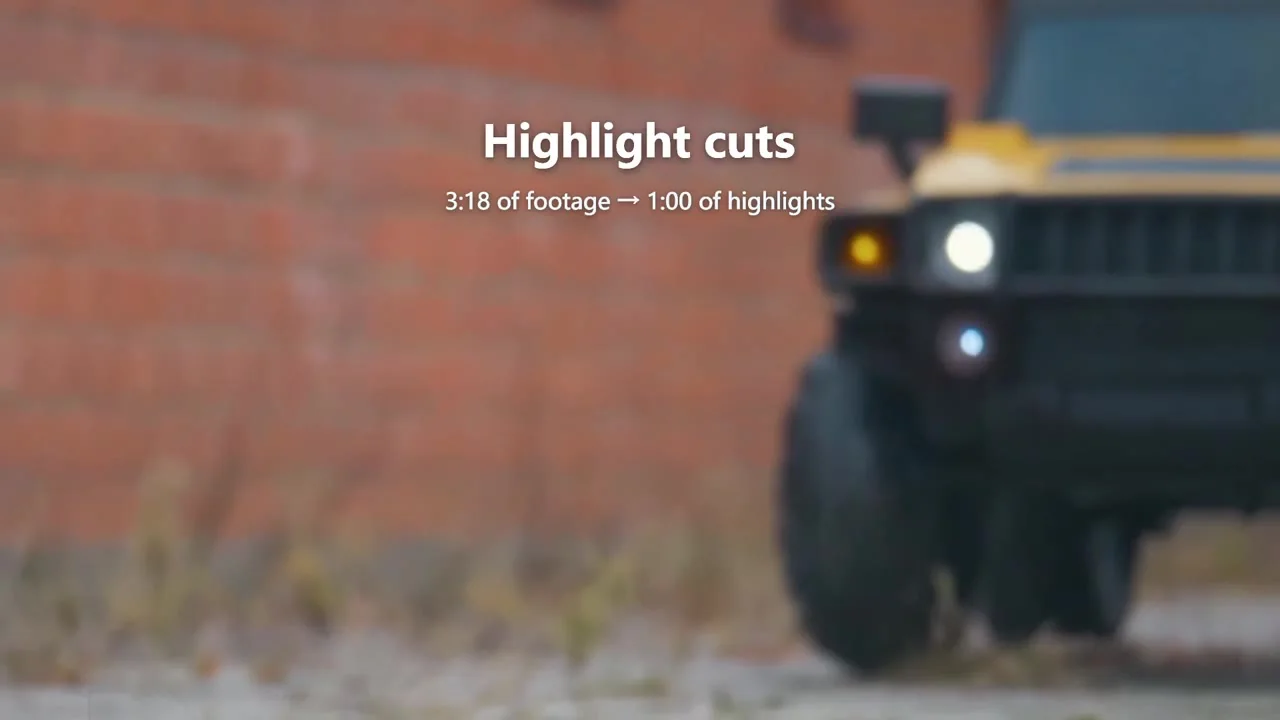
Instead of exporting a black-box summary clip, PandaCut's built-in agent watches 3:18 of footage, selects the best moments, and performs real cuts and ripple deletes directly on your multi-track timeline.
- Driven by
- Built-in agent (single agent)
- Result
- 3:18 raw footage → 1:00 highlight cut
- Demo length
- 19.8 s demo
- Platform
- Windows 10/11 · x64 · v0.9.1
What happens on the timeline
Turning a multi-minute shoot into a tight one-minute cut normally means scrubbing back and forth, setting in and out points, splitting clips, and closing every gap by hand.
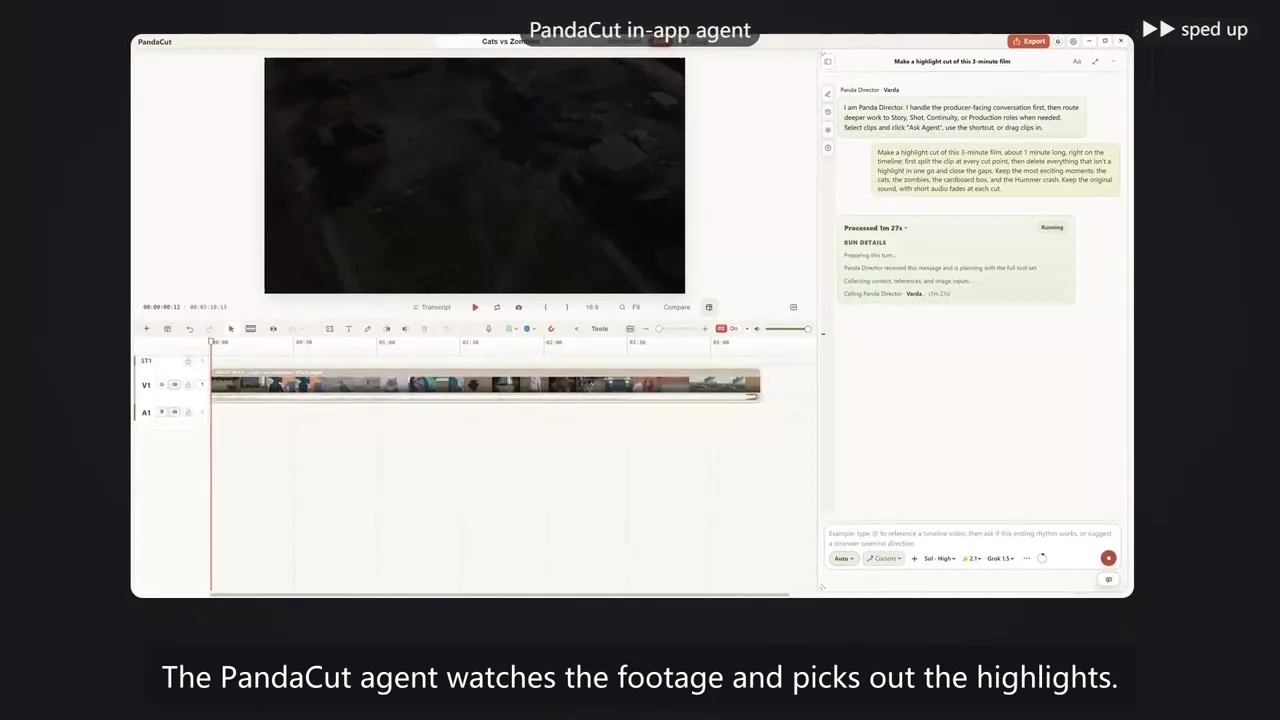
In this real demo on the 3:18 short film, a single PandaCut agent inspects the footage, picks the highlight segments, splits the clip at each boundary, and ripple-deletes the unwanted sections so the kept highlights snap together cleanly on V1.
Note on the demo replay: the multiple cursors visible on screen illustrate consecutive steps of one single agent moving across the timeline — every cut remains a normal editable clip boundary that you can slide, slip, roll-trim, or undo in one step.
Capabilities used in this edit
- Frame-accurate multi-track timeline with cut, move, trim, replace, and ripple delete
- Slide, slip, and roll trims plus recut from source segments and smart shot split
- Operation trail cursor replay so every edit is visible and reversible with one-step undo
- Follow along mode to replay and practice the agent's editing steps on a practice copy
Video transcript
Spoken captions burned into the demo clip:
- 00:03
- The PandaCut agent watches the footage and picks out the highlights.
- 00:13
- Three minutes of footage become a one-minute highlight cut.
- 00:17
- Highlight cuts, right on your timeline.
Honest status & requirements: PandaCut is a pre-release Windows 10/11 (x64) desktop application (current version 0.9.1; 1.0.0 will be the public launch). NVIDIA GPU recommended; AMD and Intel support is in progress.
Try PandaCut ahead of 1.0.0
Join the early access list if you edit on Windows with an NVIDIA GPU, or browse all demo films made with the product.